
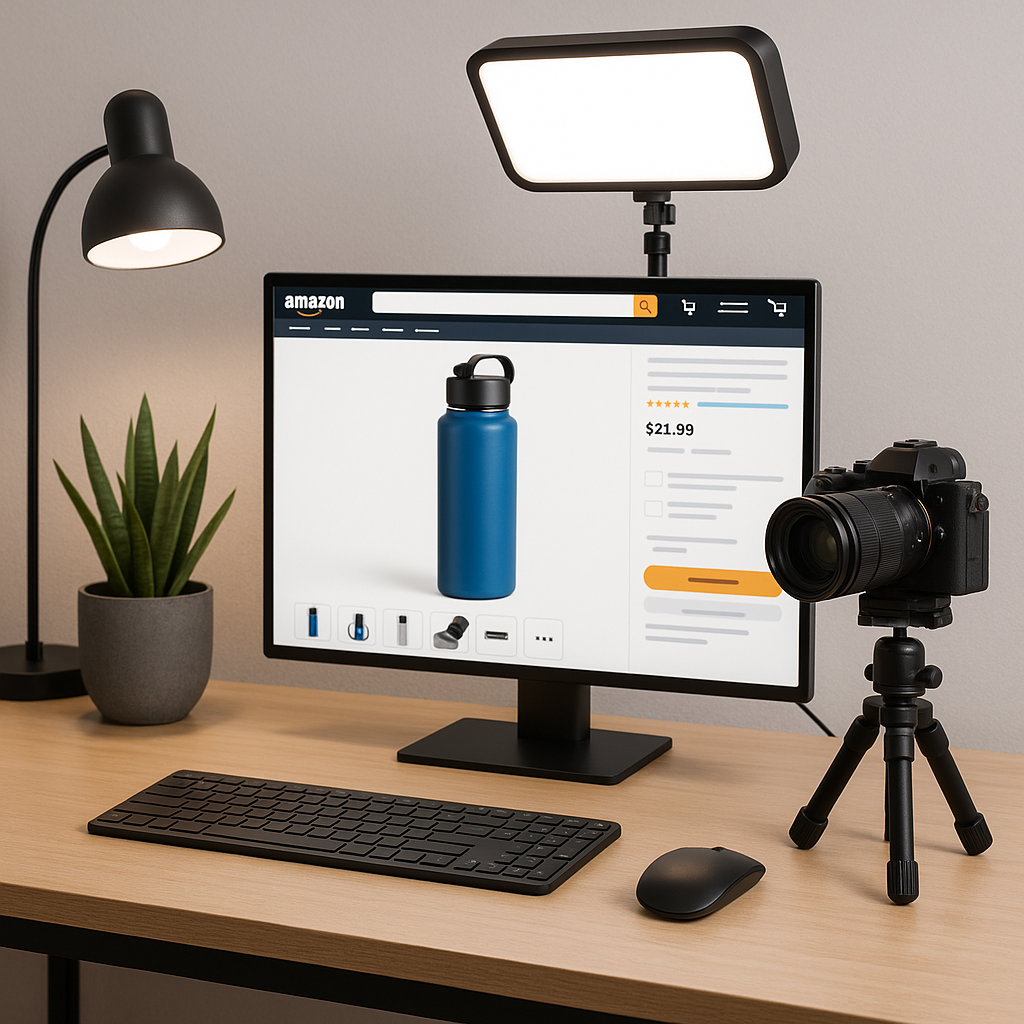
How to Create Scroll-Stopping Product Videos for Amazon
Product videos are no longer a “nice-to-have” for sellers—they’re a crucial conversion driver on Amazon’s crowded marketplace.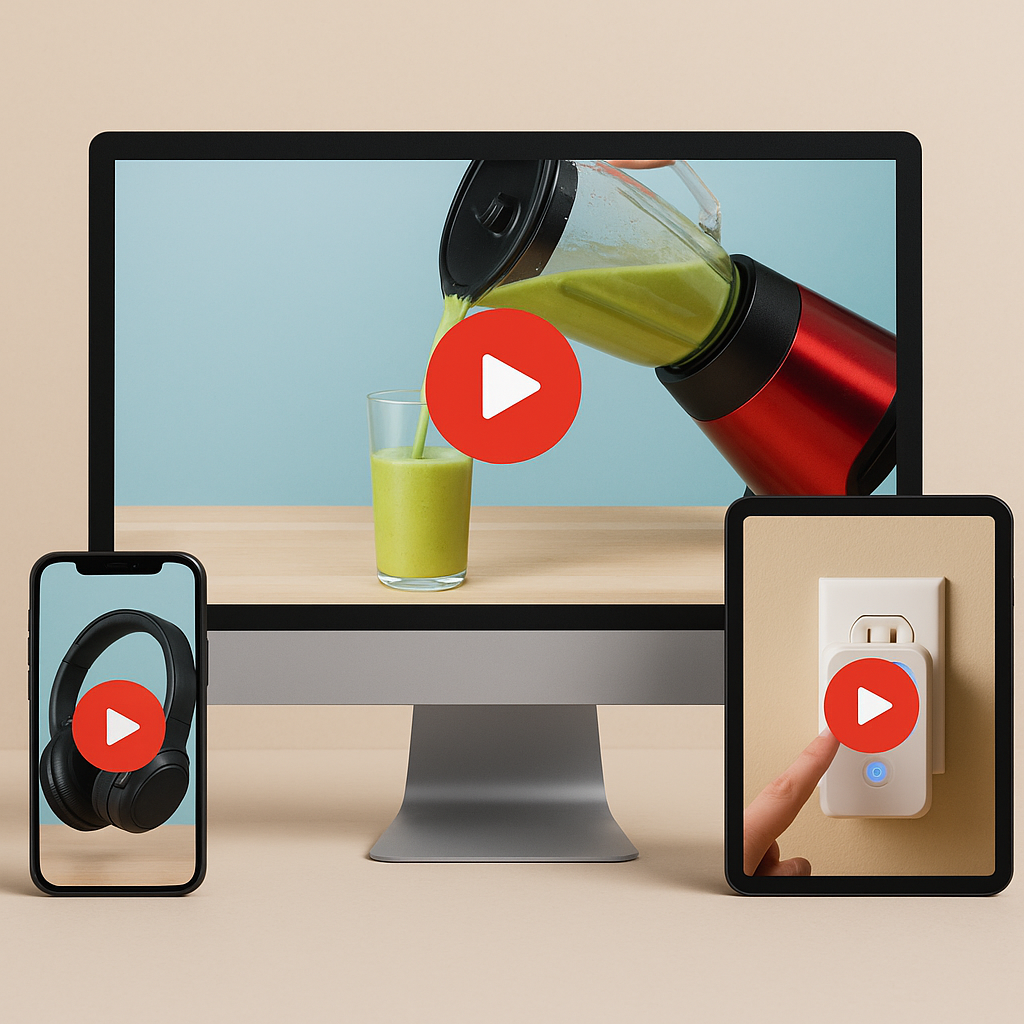
Well-crafted Amazon product videos bridge the tactile gap, helping customers visualize, trust, and ultimately buy your product. In this guide, you’ll discover what makes a scroll-stopping Amazon video, step-by-step production best practices, crucial compliance tips, and how to maximize your investment across channels.
Why Amazon product videos matter (and what makes them scroll-stopping)
Shoppers are bombarded with options. Product videos are proven to increase engagement, address customer doubts, and boost conversions—sometimes by as much as 9–56% across categories (per Amazon’s own data). A scroll-stopping product video not only showcases your product’s features, but does so in a way that keeps viewers glued and poised to “Add to Cart.”
According to Amazon, product videos can increase sales by 9.7% and decrease returns. This isn’t surprising when you consider that visual content helps bridge the gap between online shopping and the tangible retail experience. Effective visual storytelling builds customer confidence by demonstrating how products function in real-world settings.
What makes a product video truly scroll-stopping? It combines several key elements:
- immediate visual appeal within the first 3 seconds
- clear demonstration of core benefits (not just features)
- authentic presentation that builds trust
- concise messaging that respects the viewer’s time
- strategic calls to action that guide purchasing decisions
The most effective marketplace videos understand consumer psychology—they address potential objections before they arise and create an emotional connection to your offerings. When viewers can envision themselves using and benefiting from your product, conversion naturally follows.
Understanding Amazon’s product video types and requirements
Before you script or shoot, you need to know which types of videos Amazon allows and their specific technical/content requirements. Amazon has clear guidelines that can make or break your video’s approval process and effectiveness.
There are six main types of videos that perform well on Amazon:
- Product highlight videos – Demonstrate key features and functionality in action
- Lifestyle videos – Show the product being used in real-world situations
- Unboxing videos – Reveal the packaging experience and initial setup
- Comparison videos – Contrast different models or versions of your products (never competitors)
- Customer experience videos – Feature testimonials and authentic user feedback
- Explainer/how-to videos – Provide setup instructions, usage tips, or troubleshooting
For technical specifications, Amazon requires:
- File format: MP4 or MOV
- Resolution: Minimum 720p (1280×720), preferably 1080p
- File size: Under 5GB
- Length: 15-60 seconds optimal (up to 180 seconds maximum)
- Aspect ratio: 16:9 (horizontal) recommended
- Frame rate: 30 fps recommended
Content policy restrictions include no competitor names, no URLs directing off Amazon, no pricing information that may become outdated, no promotional text overlays that aren’t directly related to product features, and no misleading claims. Always check for the latest in Seller Central, as specs and display practices update regularly.
Amazon product video display and placement examples
Understanding where your videos will appear helps inform your creative strategy. Amazon displays product videos in several locations:
- Main image block (when there are fewer than six images)
- “Related video shorts” section below the fold
- Search results (for certain products and advertisers)
- Sponsored Brand video ads
- A+ Content modules (for brand registered sellers)
Videos in the main image block typically receive the highest engagement, making this prime real estate. To maximize visibility, ensure your product listings have compelling images but consider limiting them to five if your video is particularly strong. The thumbnails you select for these placements significantly impact click-through rates and should be carefully optimized.
Planning and scripting a stand-out Amazon product video
Winning videos are planned, not improvised. This section covers creative planning, essential elements, and how to script for both engagement and compliance.
Start with thorough audience research to identify customer pain points and purchase objections. What questions do customers frequently ask? What features do reviews mention most often? This intelligence should inform your messaging hierarchy and unique selling proposition (USP) identification.
When developing your script, follow these steps:
- Define your core message (limit to one primary benefit)
- Structure your narrative with a clear beginning, middle, and end
- Front-load key information in the first 5-10 seconds
- Emphasize visual demonstrations over verbose explanations
- Include subtle calls to action that feel natural, not forced
Remember that Amazon prohibits mentioning competitors, using external URLs, or making claims that can’t be visually verified. Your script should align with these restrictions while still telling a compelling story about your product.
Creative Pro Tip: Use the “problem-solution-outcome” story arc in your videos. Begin by acknowledging the customer’s challenge, demonstrate how your product solves it, then showcase the positive outcome. This narrative structure creates emotional investment and clearly communicates value.
Choosing the right video type for your product
Different product categories benefit from specific video approaches:
- Apparel and fashion: Lifestyle videos showing fit, movement, and styling options
- Electronics: Unboxing, setup demonstrations, and feature walkthroughs
- Home goods: Before/after transformations and space-in-context visualization
- Beauty products: Application demonstrations and results videos
- Kitchen tools: Process videos showing preparation and cooking outcomes
- Toys/games: Actual play footage showing engagement and enjoyment
- Supplements/consumables: Explainer videos about benefits or testimonials
For complex products, consider creating multiple video types to address different aspects of the customer journey—perhaps an overview video for the main image block and a detailed how-to video for below the fold. This comprehensive approach addresses various customer information needs.
Shooting and producing your Amazon product video: step-by-step
This section breaks down filming, equipment, lighting, sound, and tips for DIY versus hiring pros.
For DIY production, you’ll need basic equipment: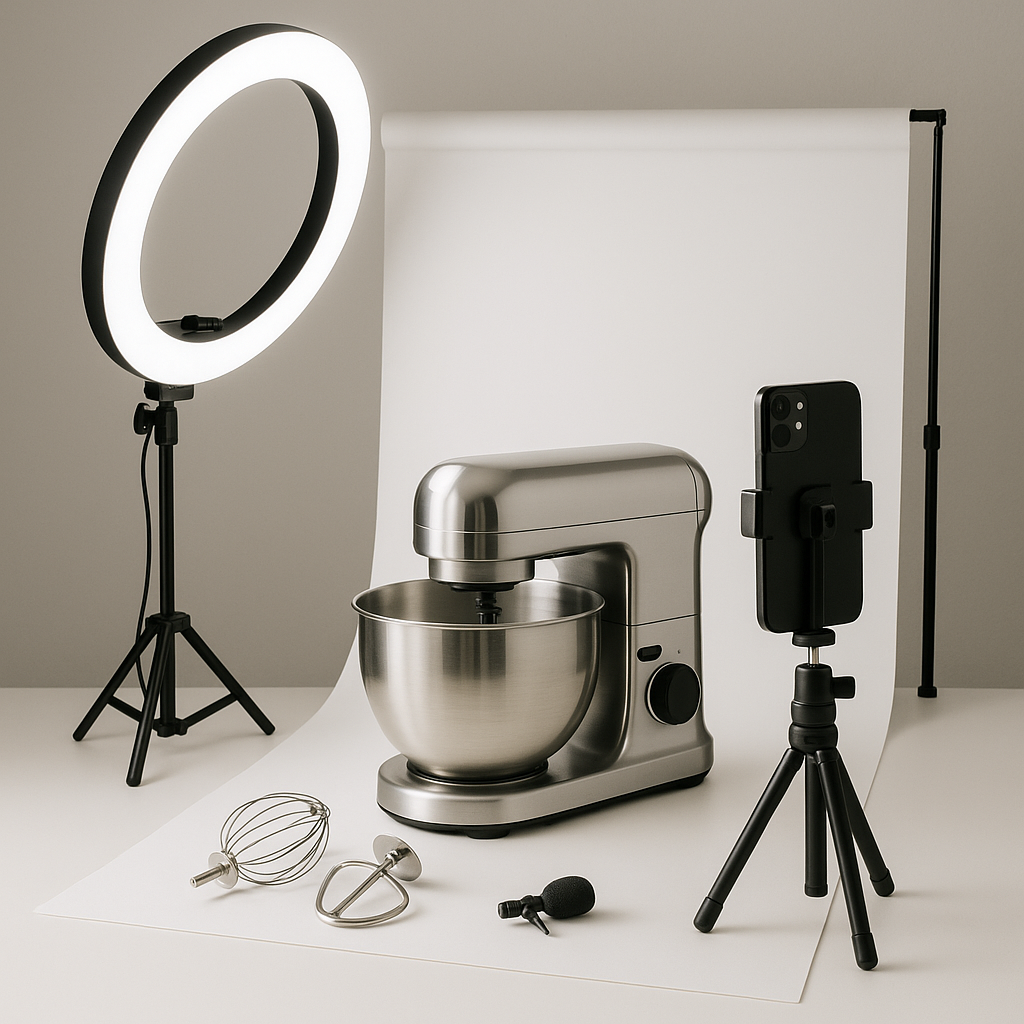
- Smartphone with a good camera (iPhone 11+ or equivalent Android)
- Tripod or stabilizer to prevent shaky footage
- Ring light or natural light source (near large windows)
- Lapel microphone for clear audio ($20-50 options work well)
- Simple backdrop (white seamless paper, plain wall, or contextual setting)
Follow these steps when shooting:
- Location selection: Choose a quiet space with controlled lighting and minimal distractions
- Product preparation: Clean your product, remove fingerprints, and prepare any accessories
- Composition setup: Apply the rule of thirds for balanced framing
- Lighting arrangement: Position main light source at 45° angle to product
- Test shots: Record brief clips to check exposure, focus, and sound
- Multiple angles: Capture wide shots, medium shots, and close-ups
- Audio monitoring: Use headphones to detect any background noise issues
- Action sequences: Demonstrate the product in use, showing key features
Pro Tip: Authentic, simple videos often outperform high-budget studio ads—especially when shot in real-life settings. Don’t obsess over perfection; focus on clear demonstration and honest representation.
When should you consider professional support? If your product is highly technical, requires sophisticated demonstrations, or competes in a premium market segment, investing in professional video production could deliver stronger ROI. Agencies specializing in marketplace content understand Amazon’s unique requirements and can optimize for conversion.
Real Amazon product video examples and what sets them apart
Analyzing successful videos reveals patterns worth emulating:
- LEGO sets: Combines stop-motion animation with real play footage, showing both construction process and finished results (30-45 seconds)
- Nutrafol: Uses split-screen before/after testimonials with scientific explanation overlays (60 seconds)
- Solo Stove: Features lifestyle footage of family gatherings around the product with close-ups of key features (20 seconds)
- Soona products: Employs clean, minimalist demonstration with text callouts highlighting specifications (15 seconds)
What makes these videos effective? They prioritize visual demonstration over verbal explanation. They focus on solving specific customer problems. They maintain consistent pacing that balances information delivery with visual interest. Most importantly, they create an immediate understanding of how the product delivers value.
Editing, optimizing, and uploading for maximum impact
Great footage needs nimble editing and bulletproof uploading to convert.
For basic editing, you have several accessible options. Mobile apps like iMovie, CapCut, or Adobe Premier Rush offer user-friendly interfaces for beginners. Desktop software like DaVinci Resolve (free version) provides more advanced capabilities. Focus on these editing principles:
- Trim ruthlessly for conciseness—eliminate any unnecessary footage
- Maintain consistent visual pacing with cuts every 2-5 seconds
- Add text overlays to highlight key features (but keep them minimal)
- Include captions for sound-off viewing (85% of Amazon videos are watched without sound)
- Select royalty-free music that matches your brand tone (sites like Epidemic Sound or Artlist)
- Apply subtle color correction to ensure product colors appear accurate
Thumbnail creation deserves special attention. This static image determines whether customers click your video at all.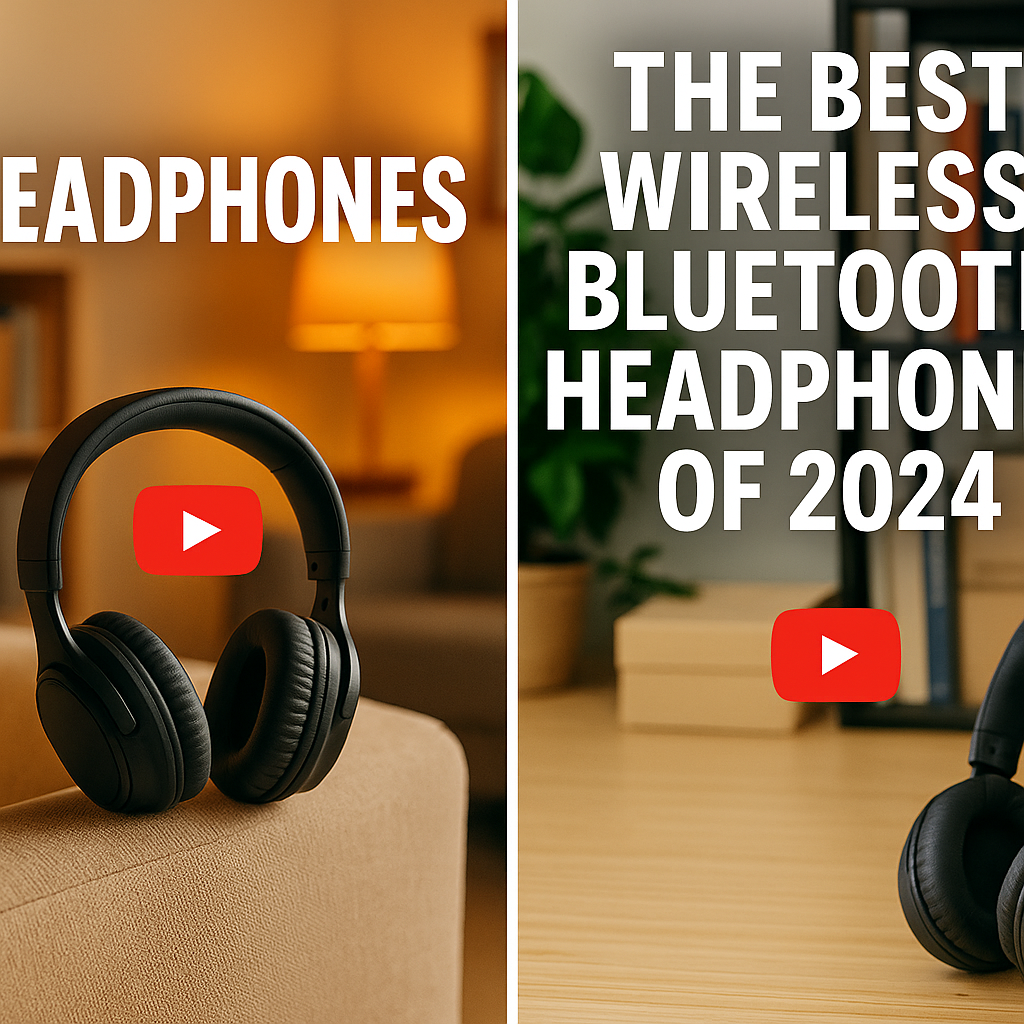
Design a thumbnail that:
- Shows the product clearly, preferably in use
- Features high contrast and bright colors
- Includes minimal text (1-3 words maximum)
- Creates curiosity or promises clear value
When ready to upload, follow Amazon’s technical guidelines precisely to avoid rejection:
- Compress your video to meet file size requirements while maintaining quality
- Verify aspect ratio and resolution match Amazon specifications
- Review audio levels for consistency (neither too quiet nor distorted)
- Prepare your custom thumbnail as a separate JPEG file
- Navigate to Seller Central > Inventory > Edit Product > Videos
- Upload video and thumbnail files
- Add accurate, keyword-rich video title and description
- Submit and wait for approval (typically 1-3 business days)
Common rejection reasons include blurry footage, promotional content that violates guidelines, competitor references, and technical specification mismatches. If rejected, Amazon will provide feedback for correction and resubmission.
A/B testing and continuous improvement
The most successful Amazon sellers treat video as an iterative process. Consider creating multiple versions with: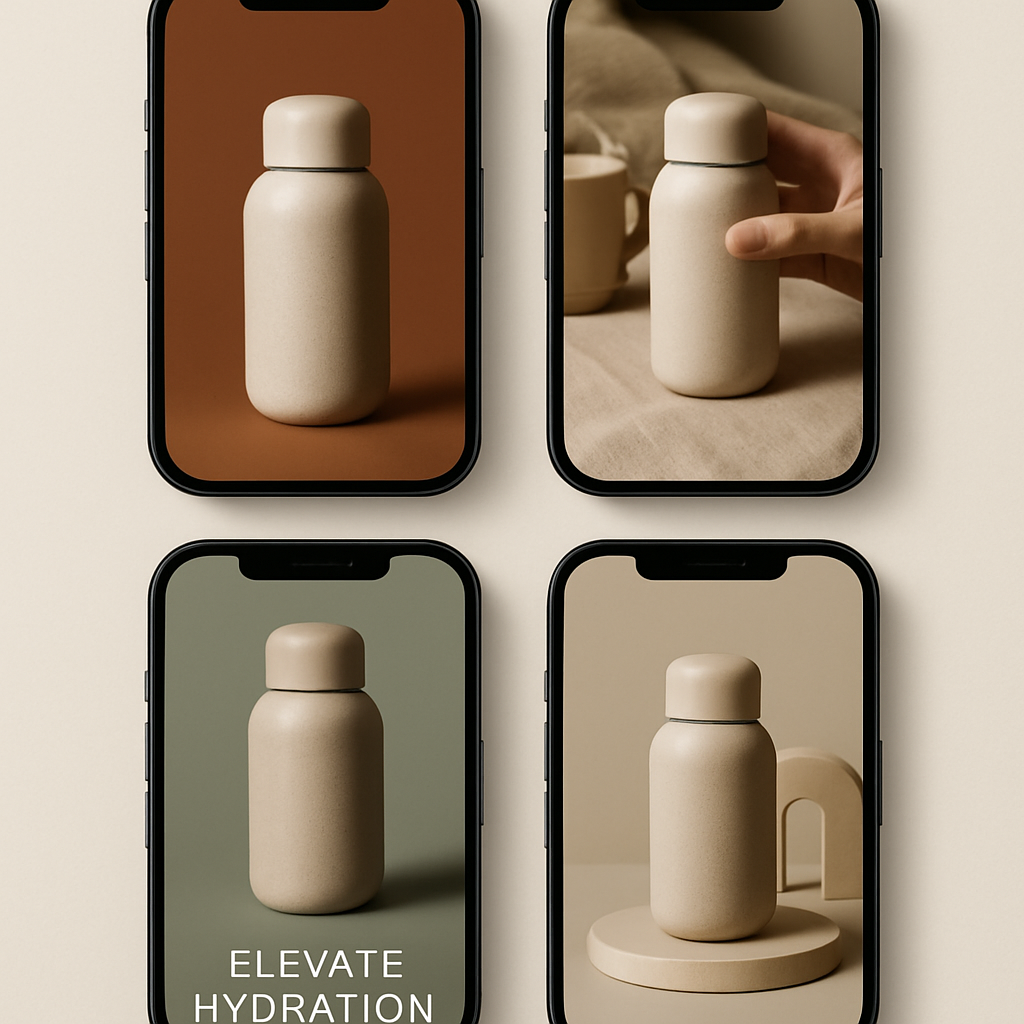
- Different opening sequences to test engagement
- Varied messaging hierarchies (featuring different benefits first)
- Alternative thumbnails to determine optimal click-through rates
- Various lengths to identify optimal viewing duration
Amazon’s reporting tools provide limited but useful data on video performance. Monitor view counts and conversion rates after video implementation. For more detailed insights, consider third-party analytics tools that track user engagement patterns. Use these insights to refine your approach with each new video production.
Advanced strategies: leveraging Amazon videos across channels
Go beyond the basics—show how to repurpose your video assets for maximum ROI.
Your Amazon product videos represent a significant content investment. Maximize their value by adapting them for multiple platforms:
- Instagram: Edit to 15-30 second vertical (9:16) clips focusing on visually striking moments
- YouTube: Expand to longer 2-3 minute versions with additional context and demonstrations
- TikTok: Create snappy, trend-aware edits highlighting unusual features or usage scenarios
- Facebook: Optimize for in-feed viewing with captions and clear visual storytelling
When repurposing content, make these platform-specific adjustments:
- Remove any Amazon-specific references or CTAs
- Adjust aspect ratios to platform requirements
- Adapt pacing—faster for TikTok/Instagram, more detailed for YouTube
- Add platform-appropriate music and captions
- Include your website or other relevant CTAs where appropriate
Consider leveraging user-generated content strategies by providing products to relevant influencers for authentic demonstrations. Their content can then be licensed for use on your Amazon listings (with proper authorization) and across your marketing channels.
For advertising efficiency, segment your product videos into modular components that can be reassembled for specific campaign objectives. For example, extract the product demonstration for conversion-focused ads and lifestyle segments for awareness campaigns. This modular approach extends your content investment while maintaining messaging consistency.
Conclusion
Creating scroll-stopping Amazon product videos requires strategic planning, technical execution, and continuous refinement. The most successful videos combine authentic presentation with clear benefit communication, all while adhering to Amazon’s specific guidelines. By focusing on customer pain points and visually demonstrating solutions, you create content that not only engages but converts.
Remember that video content represents one of your most powerful tools for standing out in Amazon’s competitive marketplace. As consumers increasingly rely on video to make purchase decisions, sellers who master this medium gain significant advantage. Begin with a single, well-executed video for your best-selling product, measure results, and expand your visual storytelling from there.
Whether you choose to produce videos in-house or work with specialized professionals, the investment in quality visual content consistently delivers returns through improved conversion rates, reduced returns, and stronger brand perception. Your journey to scroll-stopping Amazon videos starts with understanding your customer’s needs and showing—not just telling—how your products fulfill them.
FAQ
What are the technical requirements for Amazon product videos?
Amazon videos should be in MP4 or MOV format, 720p (1280×720) or higher, under 5GB, and ideally 15–60 seconds long. Audio should be clear, and the video must follow Amazon’s content and compliance policies.
How long does Amazon take to approve product videos?
Generally, Amazon reviews and approves product videos within 1–3 business days, but it may take longer during peak periods or if the video requires manual review.
Where do product videos appear on Amazon listings?
Videos are shown in the main image block if there are fewer than six images, in the “related videos” section, in search results, and in A+ Content modules for enrolled brands.
Can I repurpose my Amazon product video on social media or YouTube?
Absolutely! Just make sure to remove Amazon-branded overlays and ensure content meets the specific platform’s guidelines for best results.
Are professional videos required, or can I use my smartphone?
You can use a smartphone—high-quality, authentic videos often outperform overly slick ads. Just ensure clear visuals, stable shots, strong lighting, and compliant editing.